
AI SEO platform · our own venture
AISEO
An SEO tool that acts on what it finds. AISEO reads a site’s Search Console, analytics and store data, picks three things to do each week and can do them: write the page, publish it, set up the ads. SEO Guru, its app on the Shopify App Store, audits a store’s catalogue and fixes it from inside the admin. We designed, built and run both.
01The brief
Three tabs and a spreadsheet
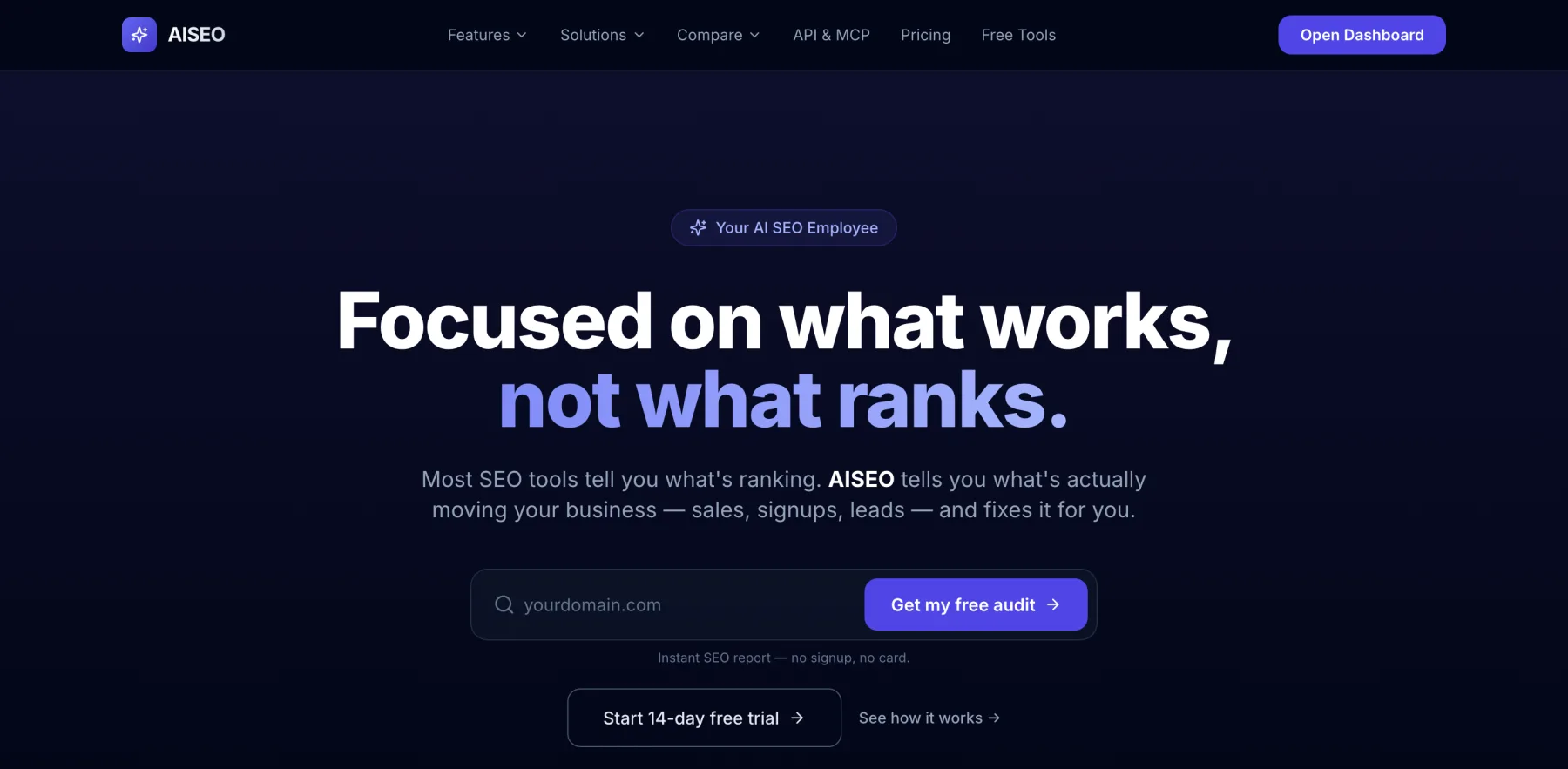
Running search for our own products meant Search Console in one tab, analytics in another, a keyword tool in a third, and a spreadsheet where somebody decided what mattered. The tools were good at reporting, and the deciding and the doing were left to us. We wanted one that knew which pages earn money, said what to do this week, and could do it. We built it for ourselves, ran CocoRoam’s and InkAI’s search through it, and then opened it up as a product.
02The weekly plan
Three things to do on Monday
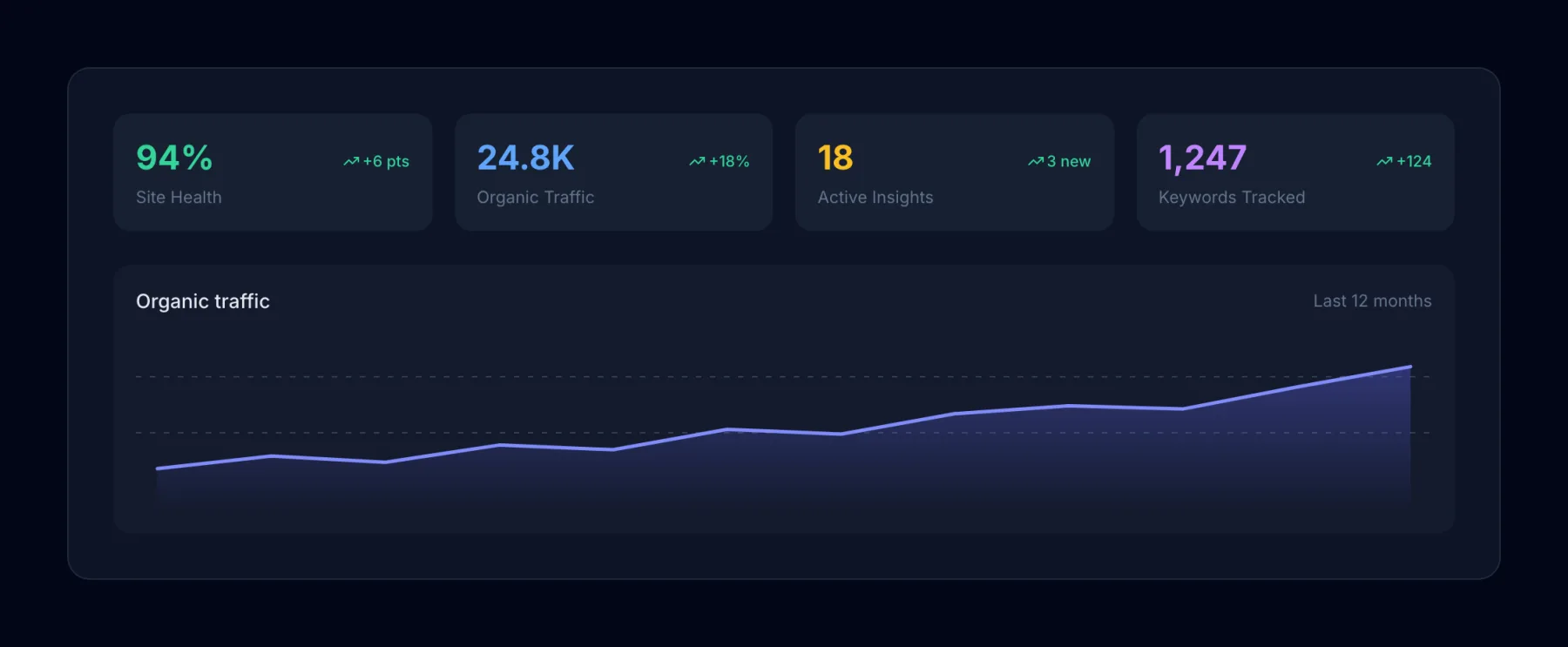
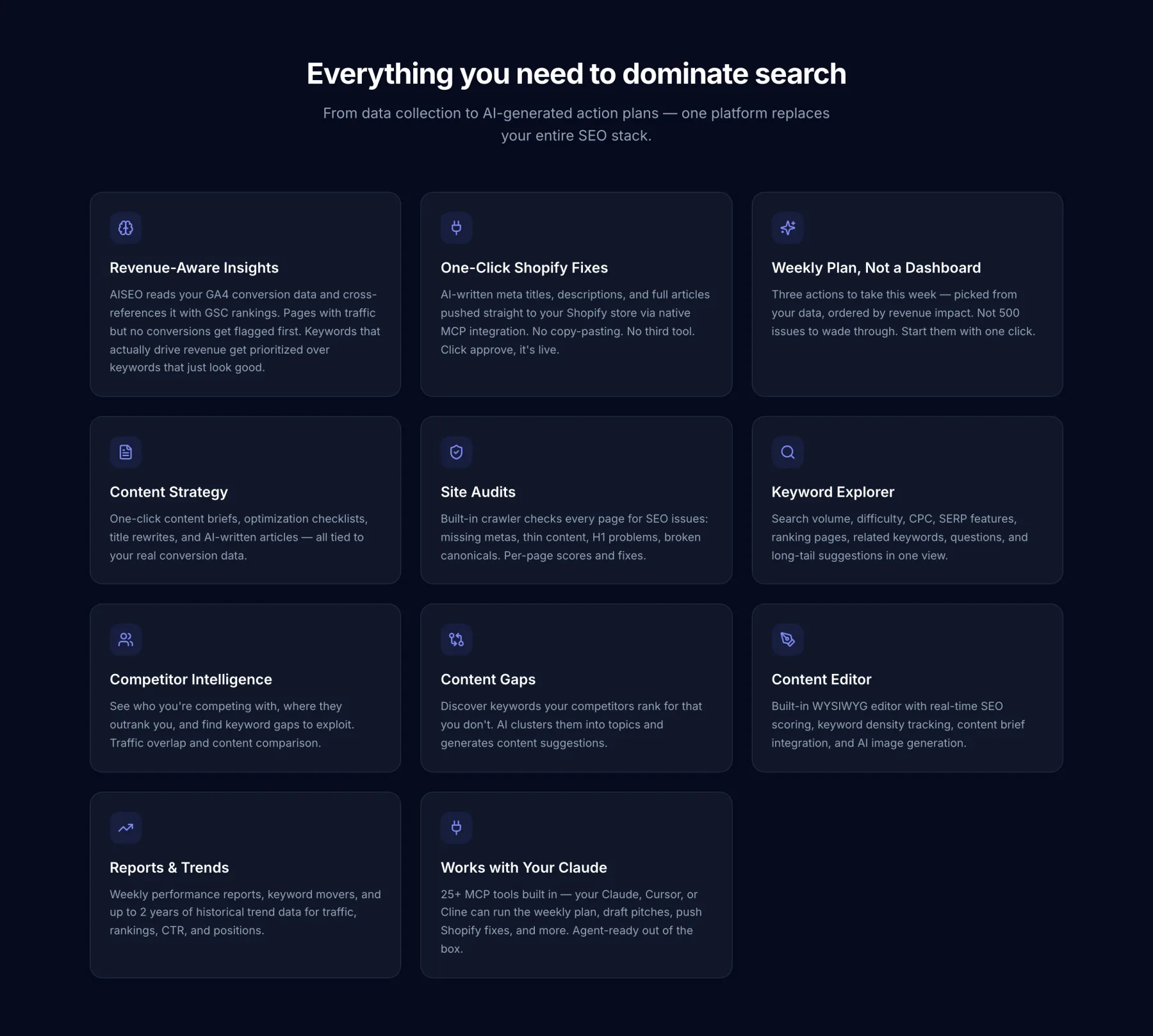
Every night AISEO syncs a site’s rankings, traffic, backlinks and conversions. A plain comparison against the last snapshot turns the changes into events, such as a keyword entering the top ten, a page losing traffic, or conversions falling on a page that still ranks. No model is involved at that stage, so the plan rests on measured facts. On Sunday night Claude reads those events with the Search Console and GA4 figures and writes the week. It gives a diagnosis, three priorities and the actions under each, ordered by what the pages earn. A page with visitors and no sales comes before a keyword with volume and no buyers.
03Doing the work
From a finding to a published page
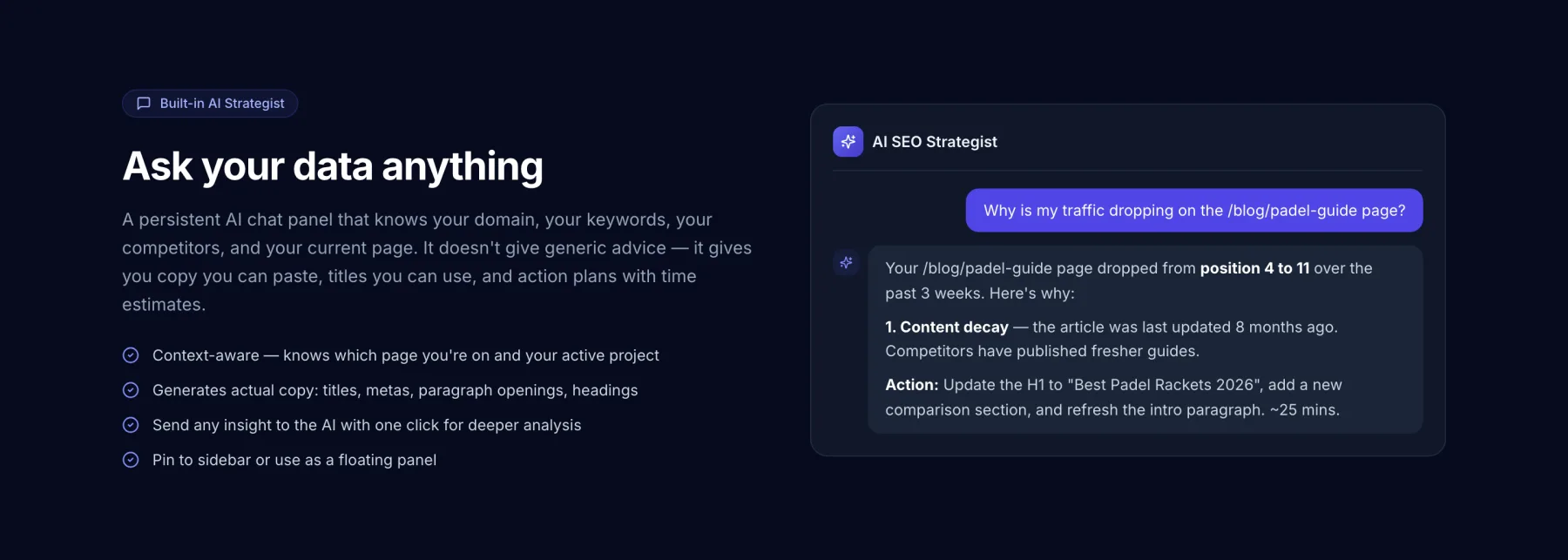
Each action opens into the thing that carries it out. That might be a content brief, a rewritten title, a checklist for a page that is slipping, or the article itself, drafted in an editor that scores it against the brief and can generate its images. Finished work goes into a publish queue. Someone reads it and approves it, and AISEO posts it to the Shopify or WordPress site it belongs to. An assistant sits beside every screen with the project’s data loaded, so “why is this page dropping?” gets an answer about that page.
04Agents · MCP
Your own AI can run it
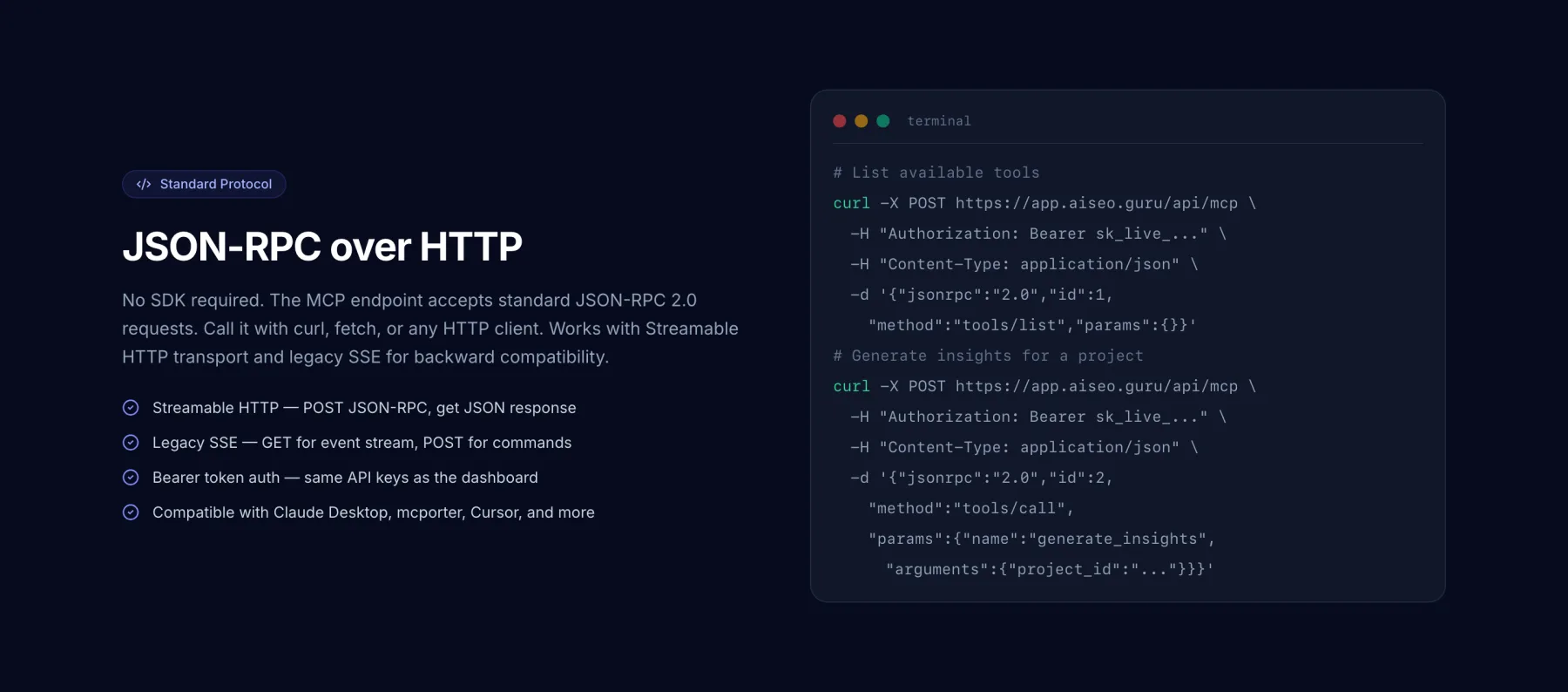
AISEO is also a server that other AI tools can drive. It speaks the Model Context Protocol, so Claude, Cursor or an agent of your own connects with an API key or a sign-in and gets more than fifty tools. It can pull the rankings, read the week’s plan, draft the article and queue it for review, rewrite a product’s title in Shopify, or set up a campaign. We use it this way ourselves, with the studio’s own Claude connected to our projects.
05Ads & AI search
Paid, organic and the AI answers
AISEO covers the ads and the AI answers as well as the organic results. For ads it lays every important keyword out with its organic position beside its paid status and says what to do, which is usually to stop paying for a term you already rank in the top three for, or to run an ad where you sit between fourth and twentieth. It builds the campaign, the ad groups and the ads in Google Ads. Every campaign starts paused, each project has a daily and a monthly spending cap, and anything over the cap waits for a person to approve it. For AI search it puts your customers’ questions to ChatGPT and Google’s AI Overviews and records whether you were cited, mentioned or left out, and who was named in your place.
06Shopify app · SEO Guru
The same thinking, inside the Shopify admin
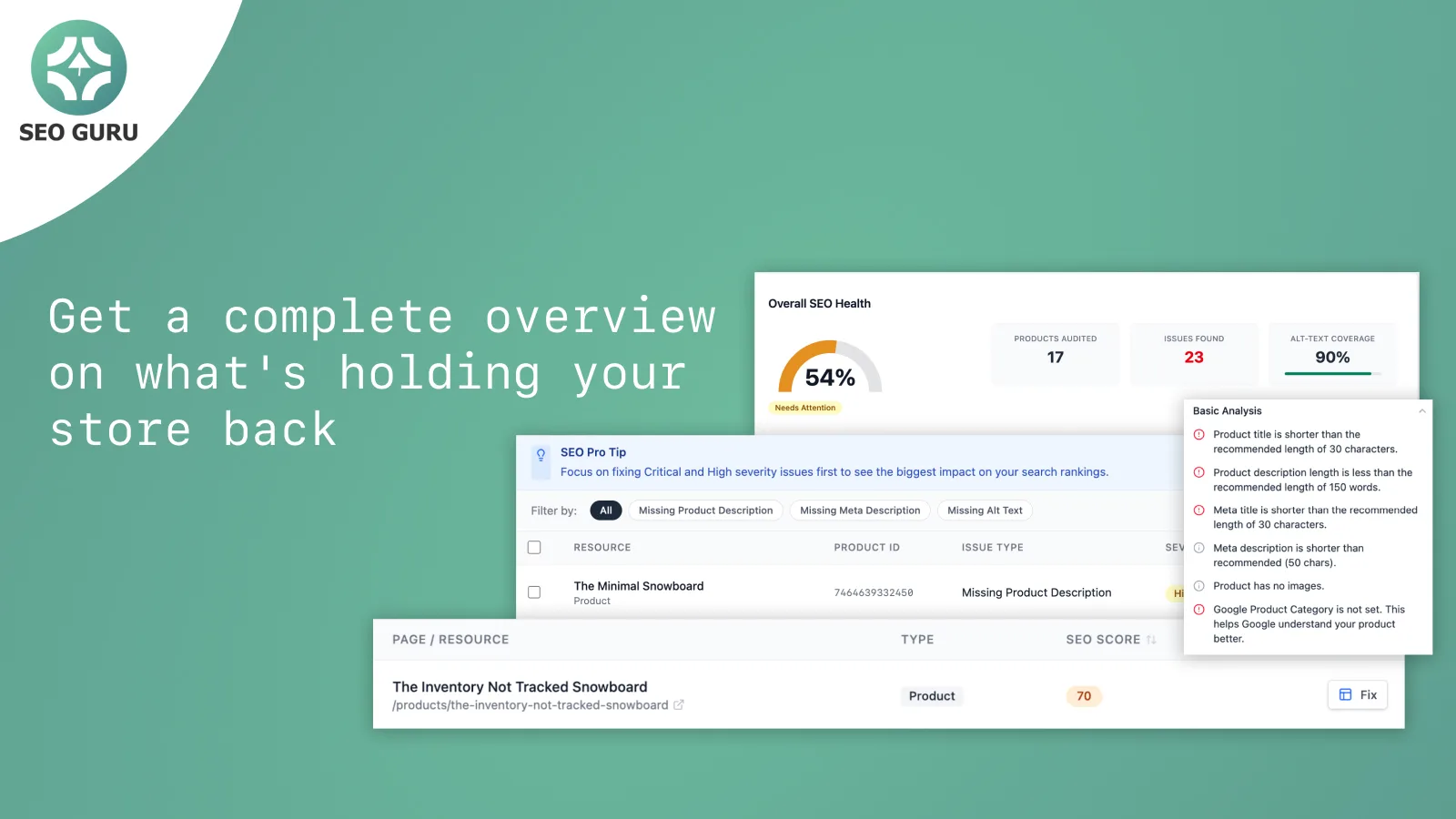
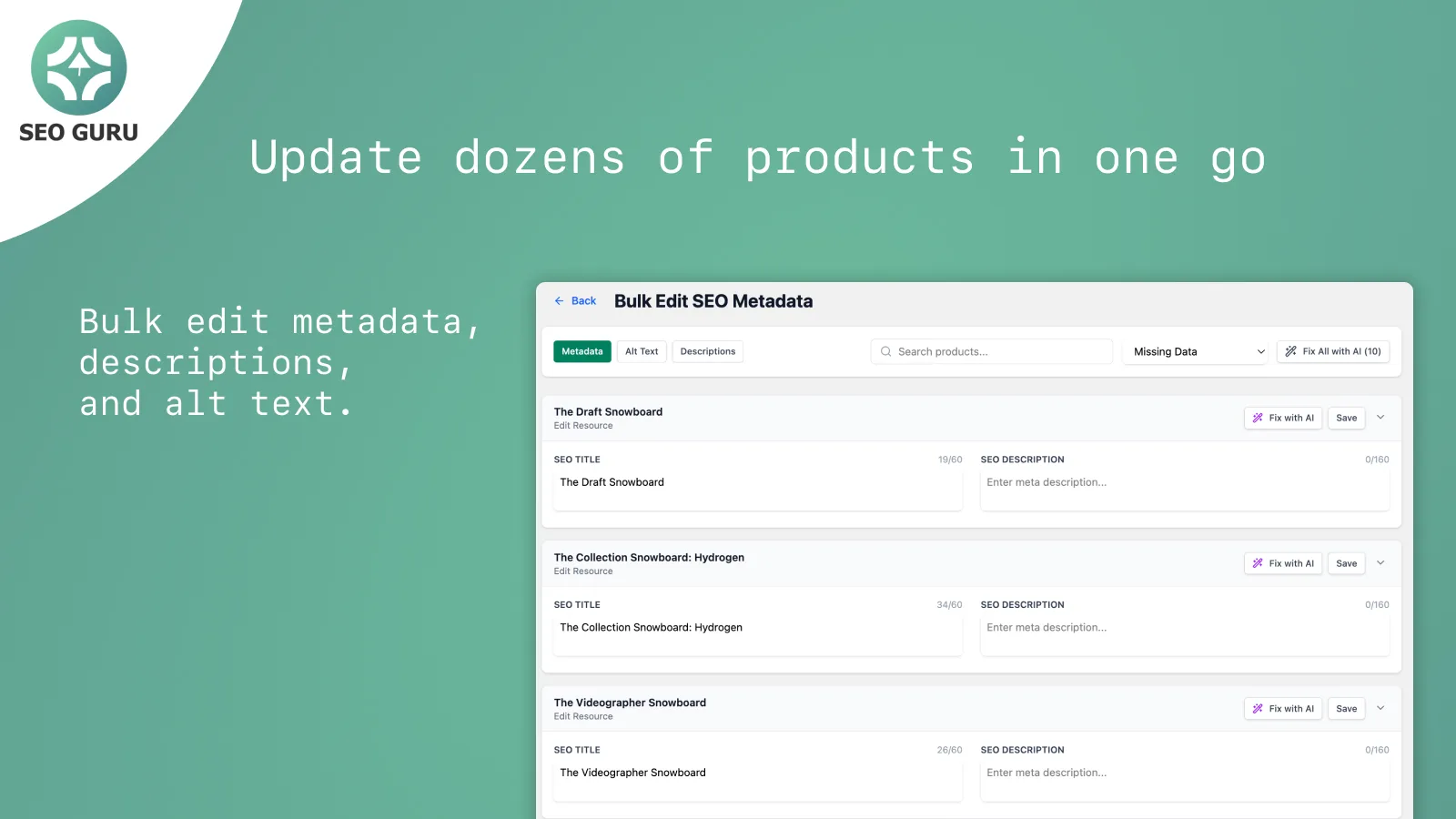
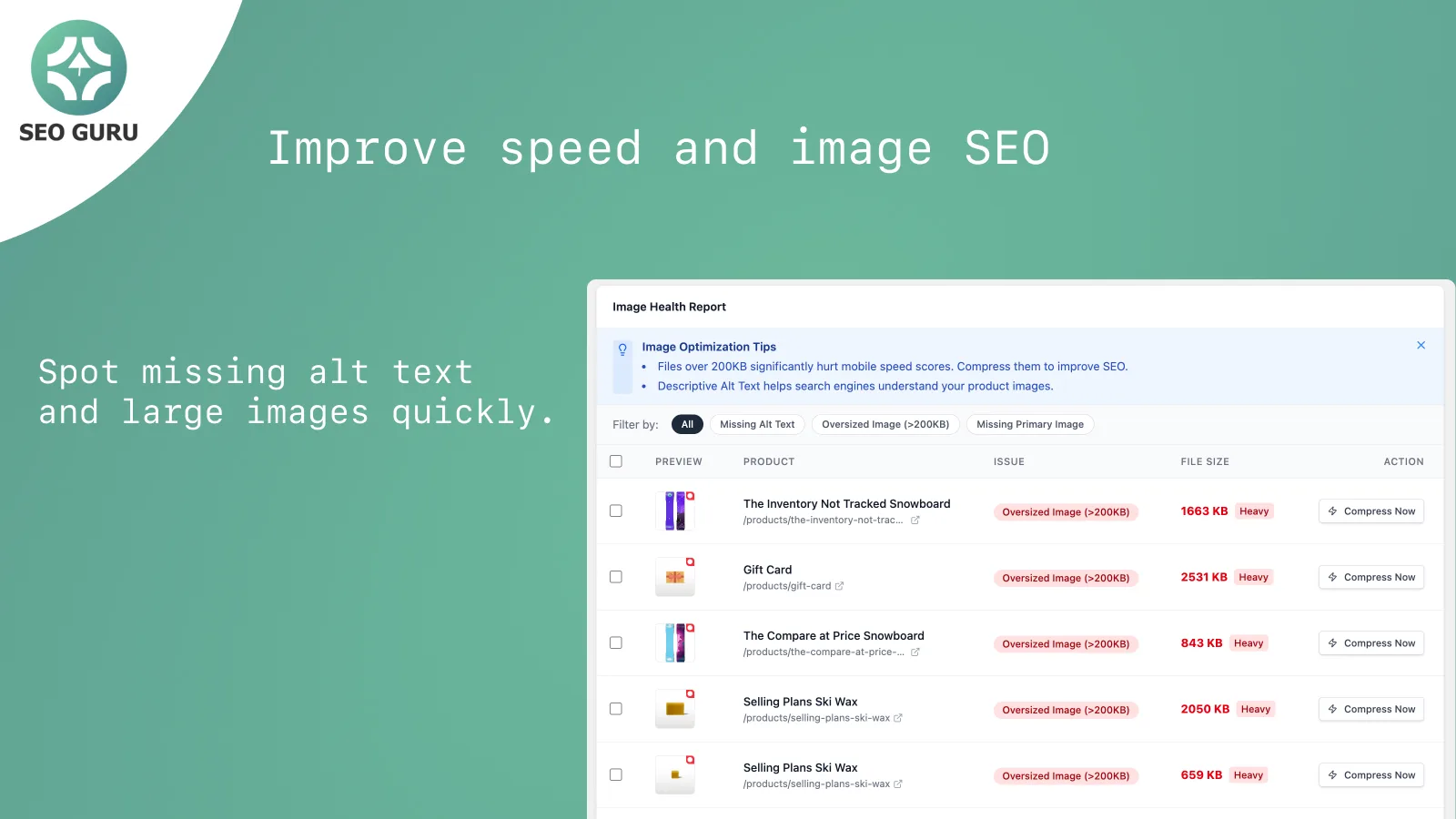
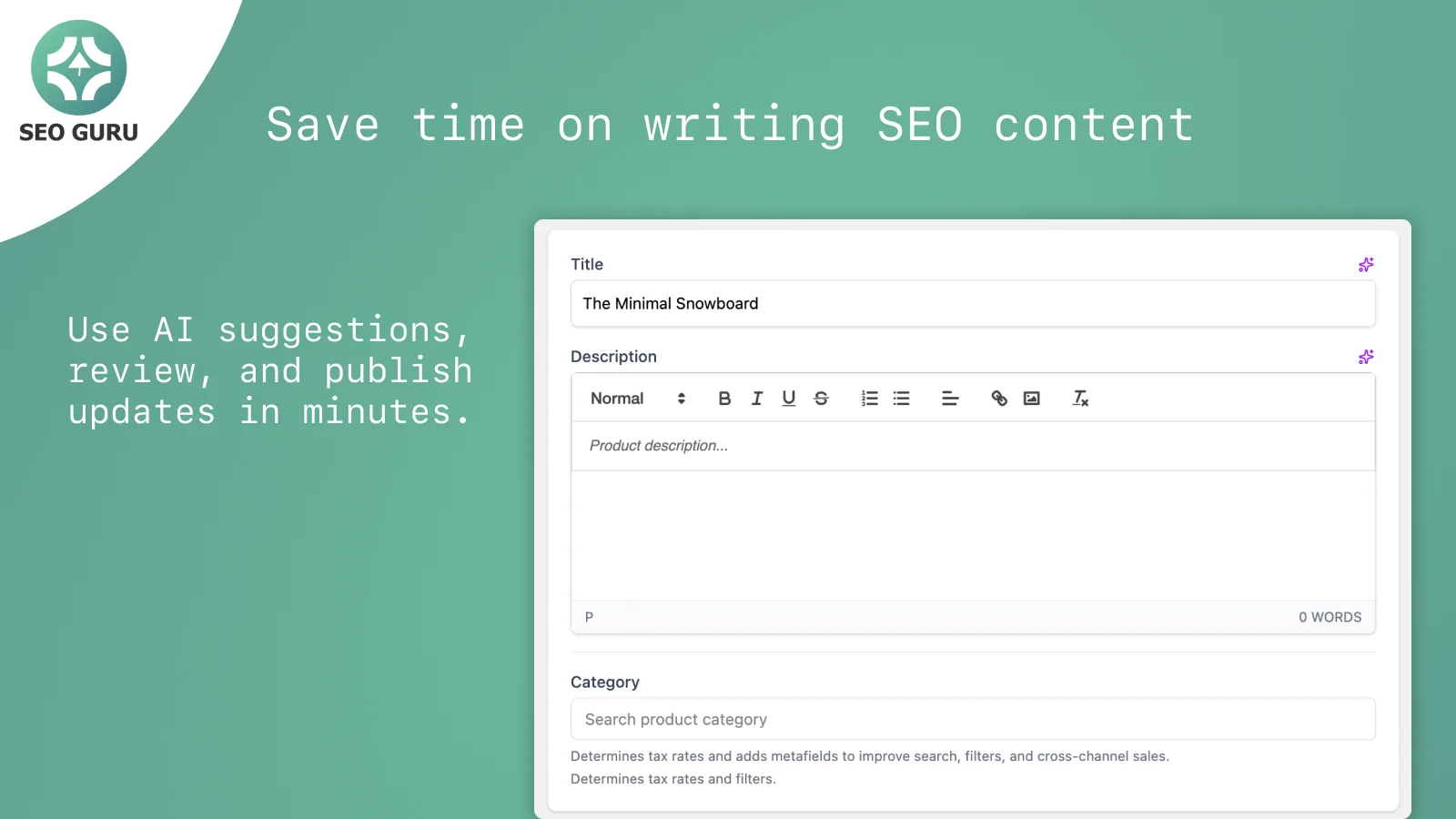
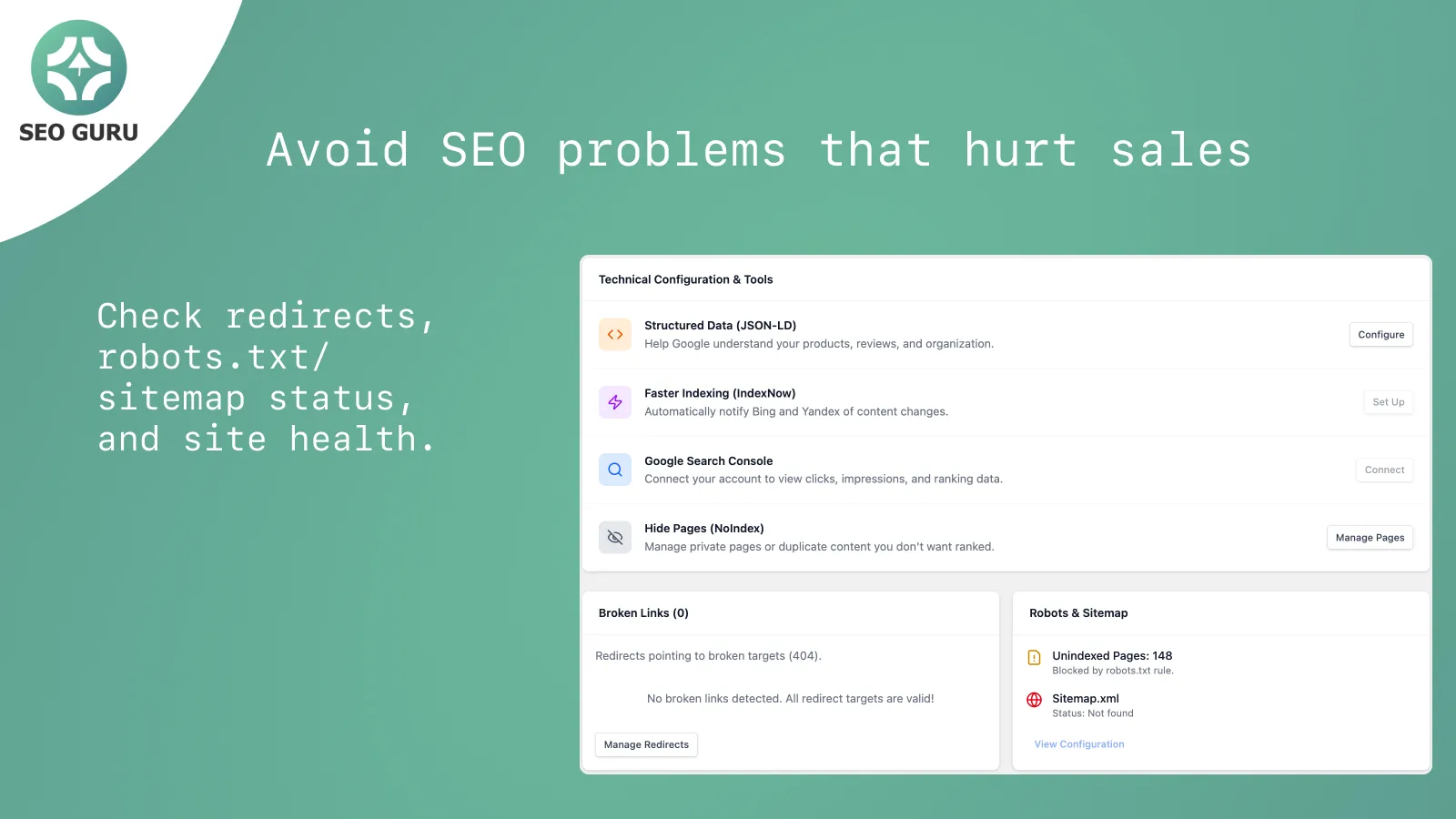
Merchants who live in Shopify get a version that works where they do. SEO Guru is on the Shopify App Store and runs inside the admin. It scans the catalogue and scores every product out of 100, taking points off for named problems, such as a missing meta description, an image without alt text, a title under thirty characters or no product category. Each one can be fixed on the spot, by hand or with AI that writes the title, the description and the alt text, and looks at the photo itself to describe it. A bulk editor does the same across the catalogue. Oversized images are compressed and put back in place, structured data is added to the theme through an app block, and redirects, noindex rules, robots.txt and the sitemap are checked from one screen. About four hundred automated tests cover the scoring, the scans and the fixes.
07Product & growth
Two products, run on their own tools
The studio runs both as products. Subscriptions go through Stripe and Shopify’s billing, anyone can run a free audit on their domain, and the marketing site carries the feature, comparison and integration pages. AISEO plans its own search each week, alongside CocoRoam’s and InkAI’s. What we learn running it goes into the growth work we do for clients, where the platform does the reading and the drafting and a person signs off every page and every ad.
Next
Back to all work [email protected]